









CI/CD for Embedded Systems: A Git Workflow
Git is to a software engineer as a knife is to a chef. Keep it sharp and watch out for the pointy end.
This document describes best practices for utilising git in service of the continuous integration and delivery of embedded software. It explains how CI/CD imposes specific constraints on embedded software development and identifies a compatible branching model. The result is a set of dos and don'ts for each step in the workflow.

Illustration by Hokyoung Kim
Intended audience
This document assumes the reader has basic knowledge of the git version control system. For specific information on usage of git, see Pro Git.
Rationale
Having a documented process for git usage streamlines a team's contribution process significantly.
What does CI/CD mean for embedded?
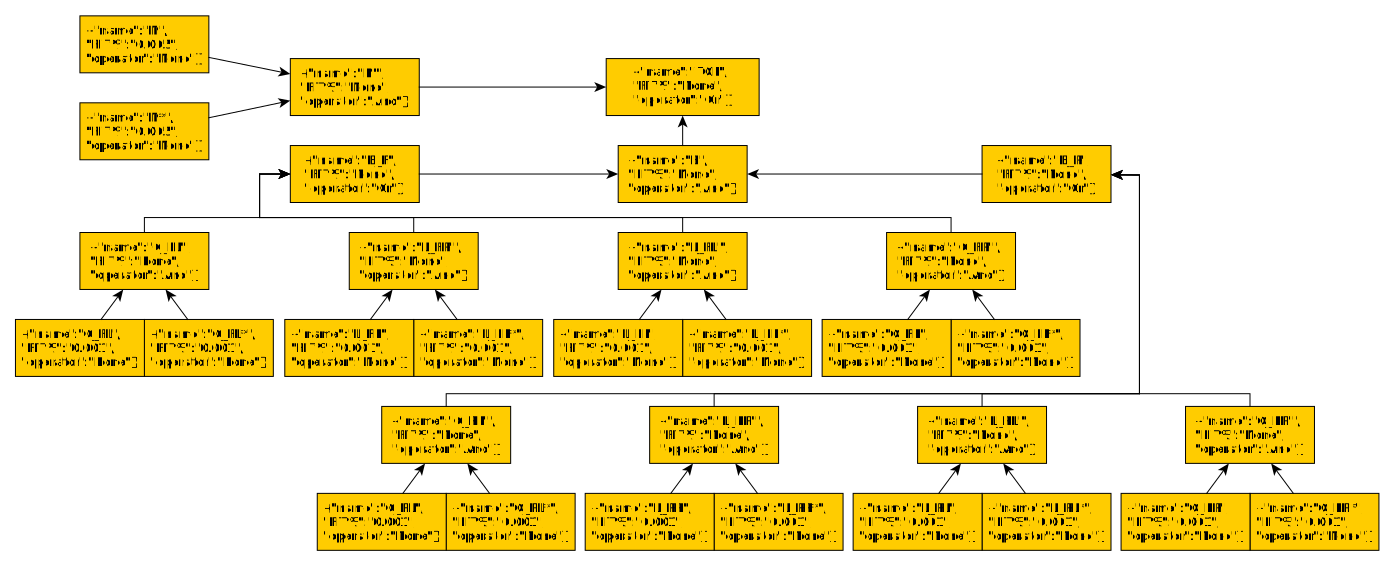
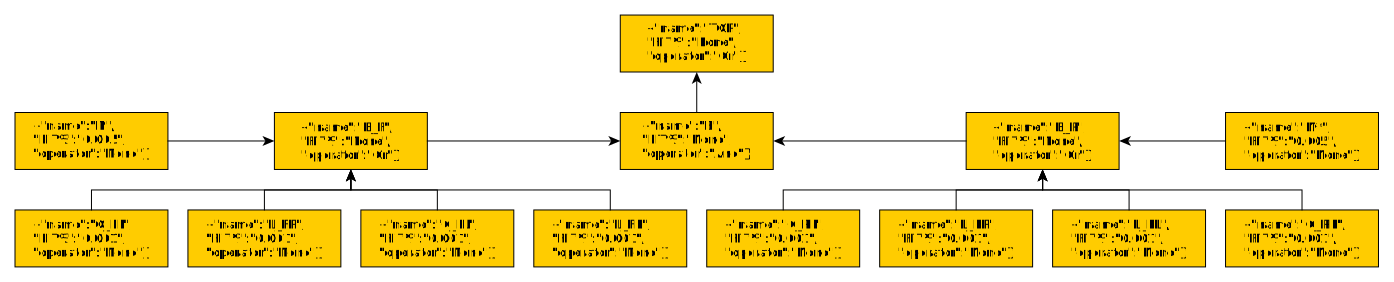
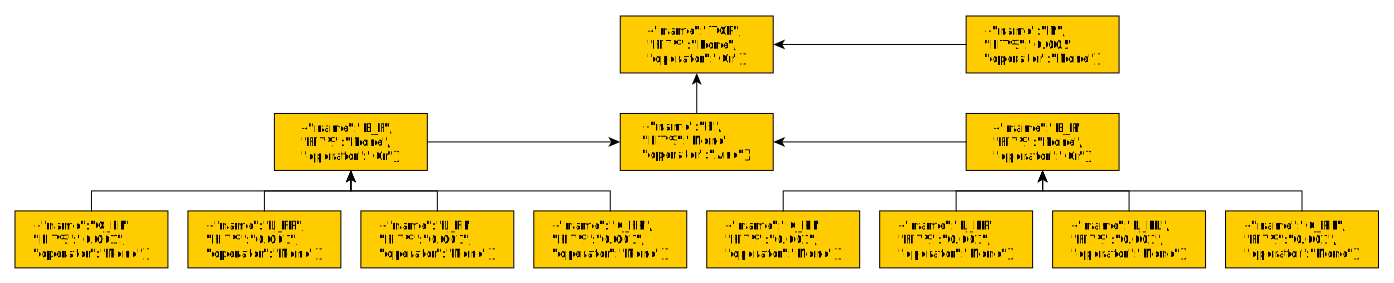
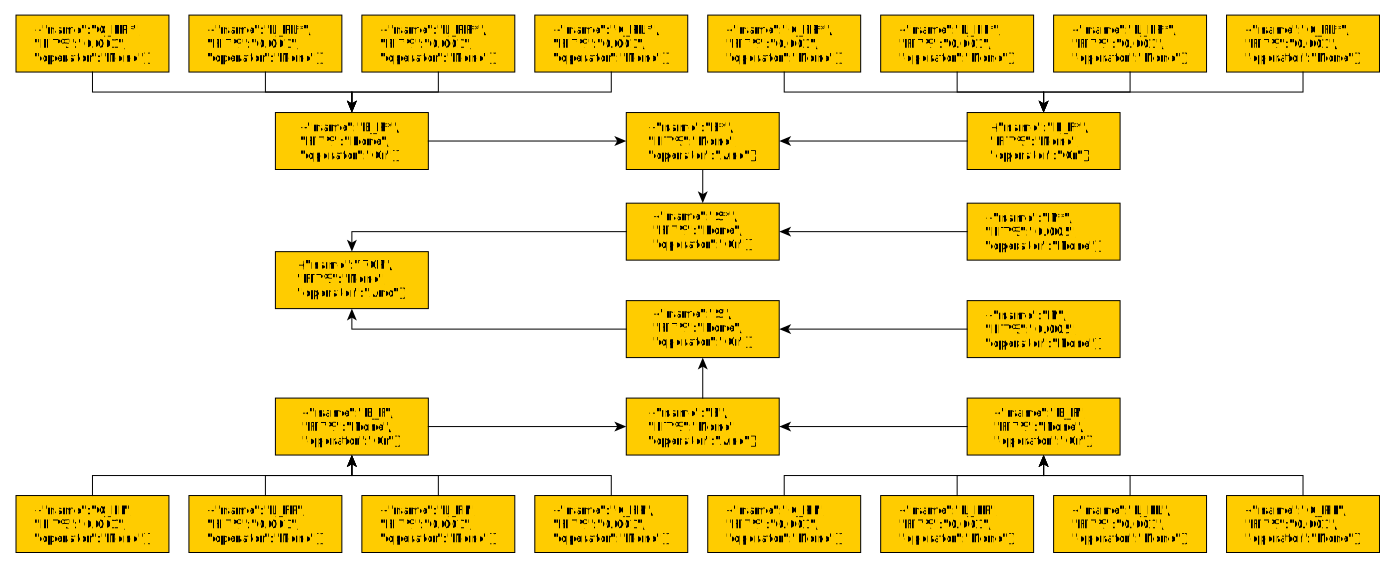
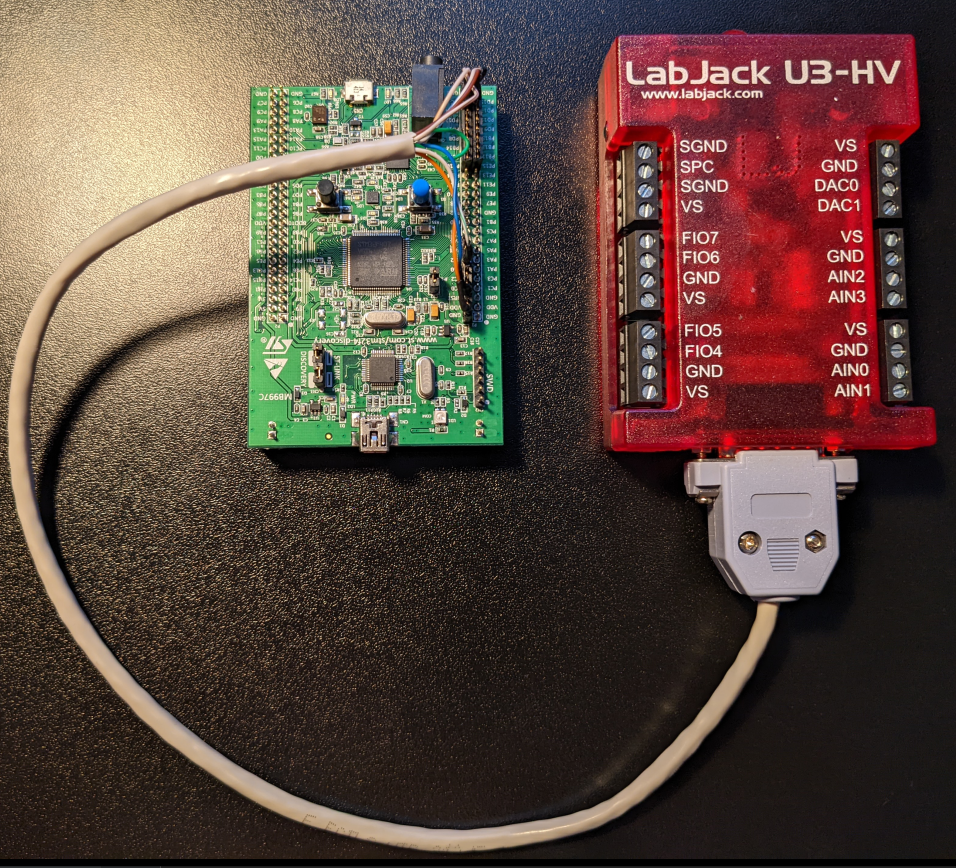
In general, the goal of the continuous integration and continuous delivery (CI/CD) is to enable teams to integrate and deliver a constant flow of software updates to quicken release cycles, lower costs, and reduce the risks associated with development. For embedded systems, integration requires either emulation or better yet hardware in the loop (HIL) test automation.
Branching strategy
CI/CD requires that developers keep MRs/PRs small with the intention that the result of an MR can trigger a release. This is not compatible with git flow, which has a more complicated release process. In general git flow should be avoided. A better branching strategy is is trunk-based development, which has the nice side effect that the repo complies with the Not Rocket Science Rule of Software Engineering.
Workflow
This process constitutes guidelines for the following activities:
1. Branch Creation
2. Working directory utilisation
3. Committing
4. Pushing
5. Reviewing
6. Merging
7. Releasing
1. Branch creation
- Keep branch scope small - it should do one or two things.
- Keep branches short-lived - they should contain less than a day's work.
- Prepend your branch names with your initials.
- Be the only person working on a branch.
- Branch from mainline (typically master or main).
2. Working directory utilisation
- Keep your git cache up to date with mainline.
- Rebase your local against mainline when new commits are added.
Use git as a work backup mechanism (i.e. push junk to remote). If working directory integrity must be ensured, use rsync or install a RAID array.
Pro Git has a good paragraph on working directory utilisation:
One of the great things about Git is that it allows you to make decisions at the last possible moment. You can decide what files go into which commits right before you commit with the staging area, you can decide that you didn’t mean to be working on something yet with git stash, and you can rewrite commits that already happened so they look like they happened in a different way. This can involve changing the order of the commits, changing messages or modifying files in a commit, squashing together or splitting apart commits, or removing commits entirely — all before you share your work with others. - Schott Chacon and Ben Straub, Pro Git
To read more about why a linear history is desirable, Marcus Geelnard has some informative blog posts: A tidy, linear Git historyand Git history: work log vs recipe.
3. Committing
- Ensure commits service the objectives of the branch, nothing more.
- Create well-formatted commit messages.
- Ensure commits intended to be part of mainline are atomic.
- Install pre-commit hooks to enforce atomic commits.
4. Pushing
- Fetch and rebase before pushing.
- Install pre-push hooks to enforce code coverage requirements.
Push your work until you’re happy with it.
A well setup repo will enforce atomic commits using pre-commit and pre-push hooks. For some examples see my Automated Integration Testing with Hardware In the Loop project, which incorporates a HIL Target and a HIL Tester.
5. Reviewing
- Mark your MR as "draft" until it is ready for review.
- Ensure your code compiles clean and passes all pipeline stages before removing "draft" marking.
- Respond to requests for review as soon the MR in which you're tagged as reviewer loses its "draft" status.
- For mission-critical software, keep track of what percentage of bugs are caught in code reviews.
- Approve code that you don't understand or haven't looked at.
- Approve code that has not been HIL tested.
- Try to fix problems in a review - the review is just for identifying problems.
- Ignore a request for review. If someone requests you review their code, either do it straight away or commit to a time.
Phil Koopman from Carnegie Mellon University maintains excellent resources on best-practices for code reviews:
- Peer Review Checklist
- Key Development Metrics
- Peer Reviews
6. Merging
- Incorporate hardware-in-the-loop testing into test automation infrastructure.
- Set up your repo to use fast-forward merge method.
- Disable squash commits.
- Set delete source branch on merge as default.
- Enforce pipeline success before merge.
7. Releasing
- Release your software at the end of every iteration if you are working in an agile framework.
- Use the tag mechanism to create releases.
- Automate release creation in CI pipelines.
- Include source code and binaries (if applicable) in each release.
- Include coverage report (if applicable) in each release.
Am I missing anything?
Drop me a line if you can think of a way to improve this document.